

View the Class when Searching for Students
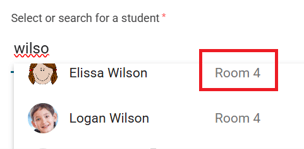
To prevent admitting the wrong student, the class has been added to the student search list.
Single Click Population of Entry and Release Notes
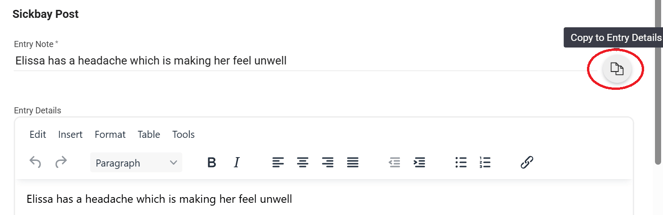
Tired of typing everything twice? With a single click, you can now click the copy icon at the end of the Entry Note or Release Note line to populate the ‘detail’ with the ‘note’ content.
Admit and Release a Student as a Single Action
Many students who come to Sickbay can be treated on the spot and immediately released. A new SAVE AND RELEASE option has been created to register the entry and process the release at the same time.
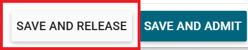
The Resolution is marked as ‘Returned to Class/Break’ with a Release Note of ‘Did not stay in Sickbay’.
Sickbay Entry Details Added to Medical Profile
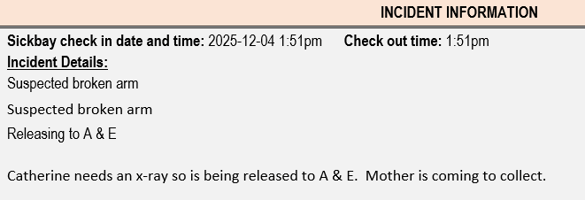
When a student is released to a medical centre or hospital, an enhanced medical profile has been created which includes the Sickbay details.
The generate button has been moved to the bottom of the screen and will be displayed when the release note is entered.



