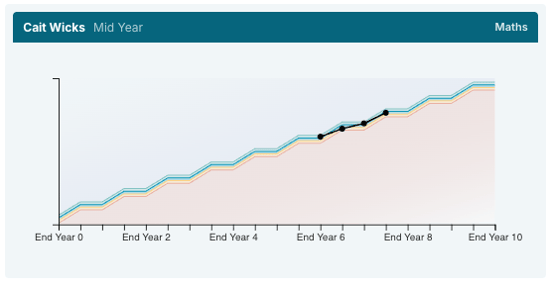

As schools launch fully into the report writing process, our developers have also been busy adding to the new reporting workflow. Here is a summary of the enhancements made for you that are now live in Hero!
- You can now include the class teacher in the report heading. This is added to the report template by ticking the option in the Report Template under Heading > Student name and avatar.

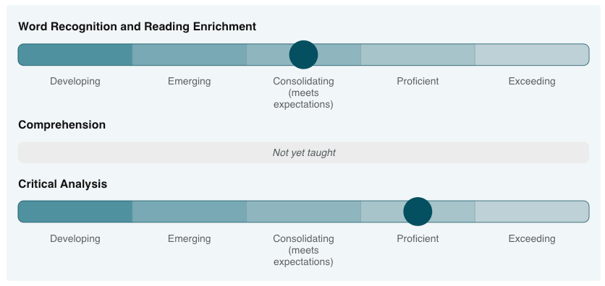
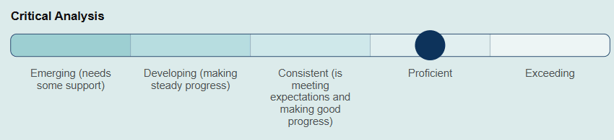
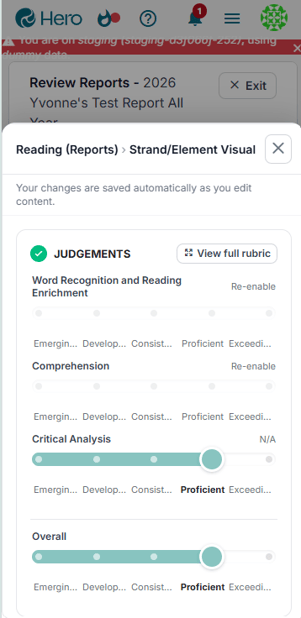
- When you mark a strand as N/A, it will now show as Not yet taught on the report Strand/Element visual.
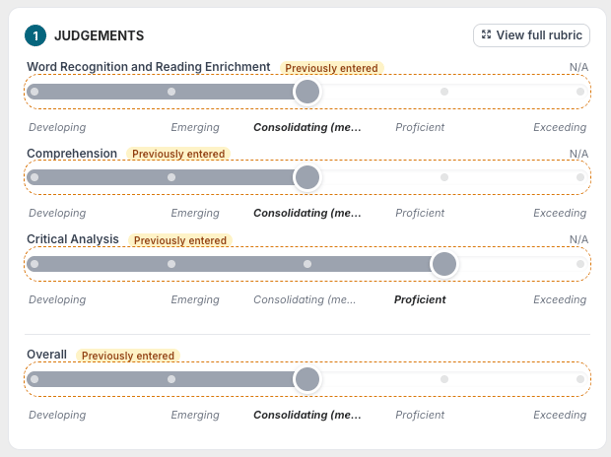
- Previously entered sliders will now show if report writing begins for a student AND judgements have already been entered via another template. The previously added judgements will show as grey so it’s really clear which ones need to be re-entered for this new report.
- You can now print a watermarked draft copy of Ready to Review reports for both individual children or groups when reviewing your reports.
- The handling of long progress names has been optimised for formatting on reports.
- Reporting Writing and Reviewing is now much easier on mobile devices.
- Improvements have been made to the Leadership comments process including:
- Only one Leadership Comment can be added to a reporting template.
- Leadership comments can only be entered by a staff member with Hero Administrator rights.
- Leadership comments can be entered during the review process, by clicking in the Leadership Comment box OR entered via the Leadership comments area at any time while the reports are in the Review or Ready to Publish stage.
- A report containing Leadership Comments cannot be published until comments have been entered. (Note: The report will NOT be included in the Ready to Publish card count until Leadership comments have been entered.)
- The name of a Leadership Comment in the Report Template (eg. Principal’s Comment) will be shown in all areas of reporting writing and publication.
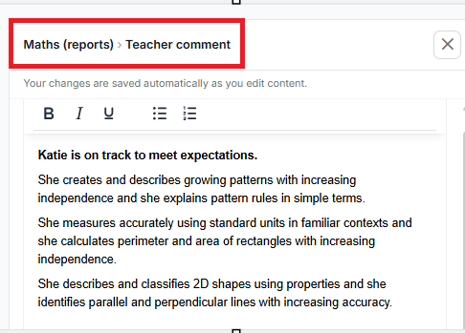
- When editing text areas, a section heading now makes it easier to see what you are editing.
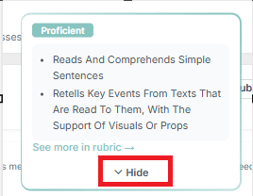
- You can now close the Rubric dialogue on strand/element sliders by clicking Hide.
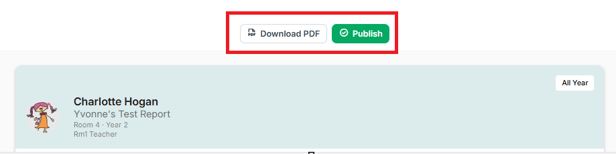
- A school Hero administrator can now download or publish a report from the individual student view when in a ‘Ready to Publish’ state.
- A 'reuse' option has been to the help at home section to easily copy narrative to other students.
- You can now successfully copy tables from posts included in report comments.
- If you have chosen to show all five progress colours on Line graphs in your progress reporting options, these will now all show on line graphs in the report.