
Creating Attendance Letters and Response Activities in Bulk
In our endeavour to make your daily workload easier, we have
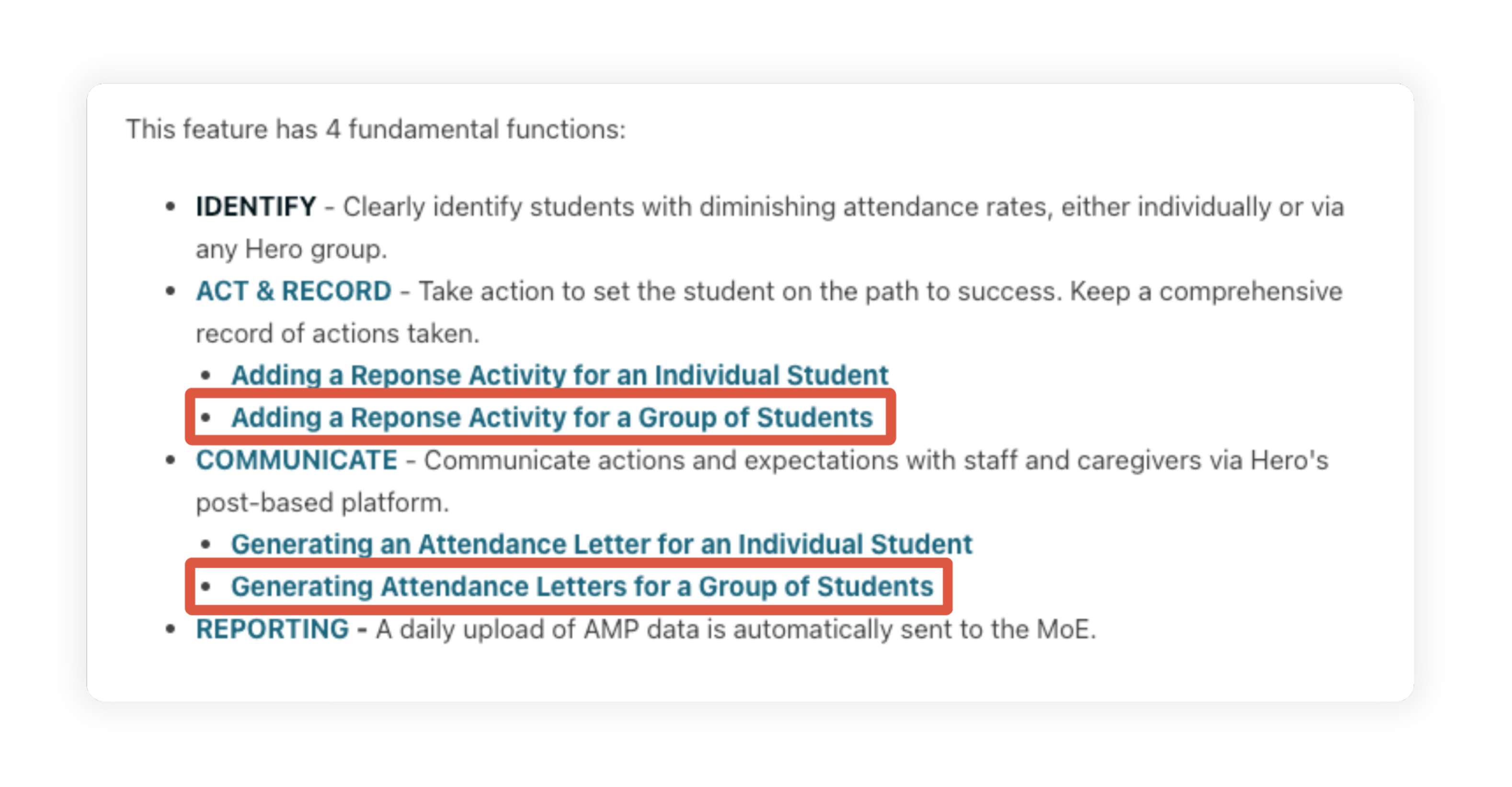
- added the ability to create a group of students from the AMP table
- added the ability to create attendance letters for a selected group of students in bulk
- added the ability to create a response activity for a selected group of students in bulk
Navigate to Insights > Attendance and scroll down to your Attendance Management Plan table.
Select the students you wish to be included in any of the above new processes.
Click the required button at the base of the table.

Note: when creating attendance letters, selected students do not need to be in the same threshold. This intuitive process will batch the students according to the threshold and seamlessly navigate you through multiple students in multiple thresholds with the ability to edit each letter in turn.
Click the internal links in this help article to find out more about these bulk processes: