

A raft of changes have been made when grading an assessment for a group of students to simplify the process and improve the visual experience.
🚀 Columns and rows are tighter so that less scrolling is required.🚀 Frozen columns will vary according to the screen size but will always include the student name.
🚀 Grading information is limited to date but hover over the date for the full information.

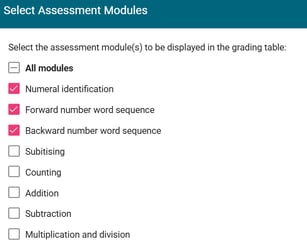
🚀 Select on the modules you wish to grade for a clearer view.

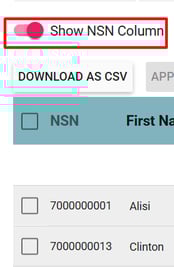
🚀 Choose to include or exclude the NSN (your personal choice will be remembered for next time).
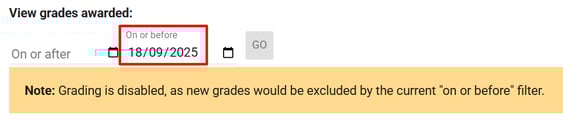
🚀 Select a specific date range to view only the grades you wish to see. (Note - entering grade will be disabled if the date range does not include the current day).
🚀 Turn on ‘Enable auto-save for numeric grades’ to speed up the grading process when only a number is required. When this is set a tab to the next field will save the previously entered grade. (Your personal choice will be remembered for next time).



